













Network tap
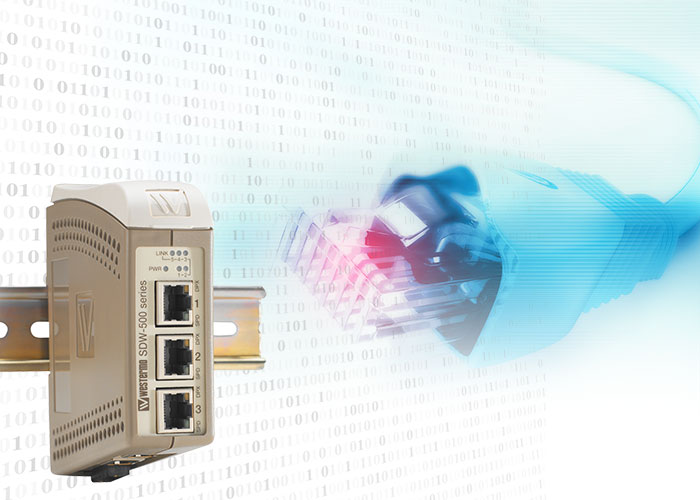
Did you know that the SDW switch is the perfect troubleshooting tool?
When troubleshooting communications in a network, it can be really difficult to know exactly what type of traffic or how much data that is traversing the network at a certain point in time. Sometimes a link needs to be “tapped” in order to use traffic analysers. When tapping the network, in effect mirror the flow of packets passing through the switch without interfering or acting on it. Being able to do this means that communication issues can be identified and corrected quickly. For example, if a device is not responding to data sent to it, the traffic can be analysed using the tap to see if messages are present on the link or if the replies for some reason are sent but are dropped elsewhere in the network.
Creating a tap or a mirror port using the SDW series of switches is extremely simple and only requires the user to flick a dip switch. Regardless of the size of the network being able to quickly and easily create a tap on a link will save time and effort when analysing communication issues.
Nuri Shakeer
International Sales

Tukipyynnöissä klikkaa tästä ottaaksesi yhteyttä tekniseen tukeen